Interactive Engineering: Visualizing Structural Mechanics
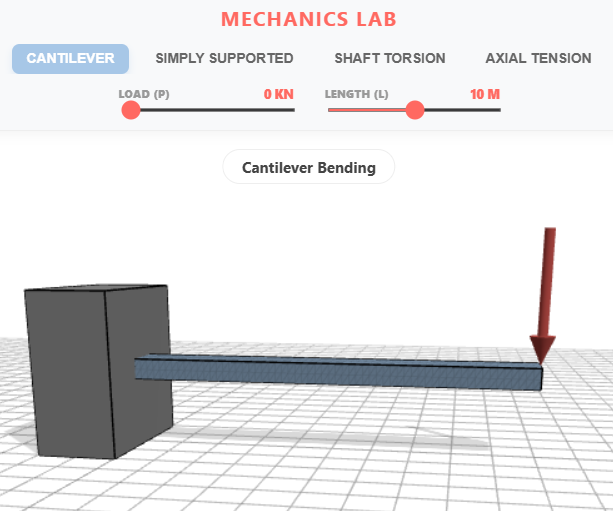
Experience a hands-on approach to learning structural theory with our Unified Mechanics Lab. This interactive simulation allows you to explore four fundamental engineering scenarios—Cantilever Bending, Simply Supported Beams, Shaft Torsion, and Axial Tension—directly within your browser. By adjusting real-time parameters like Load (P), Length (L), and Torque (T), you can observe the Poisson Effect and material deformation through high-fidelity black wireframe "ghost" models that contrast against active structural changes. Designed for students and engineers alike, this tool bridges the gap between theoretical equations and physical intuition using high-performance 3D rendering.
Click here to access.
1. The Core Engine
The "Engine" of this application is a Custom JavaScript Simulation Loop built on a request-animation-frame architecture.
- State Management: It uses a global state to track which mechanical mode (Cantilever, Simply Supported, etc.) is active.
- Update Loop: The
animate()function serves as the heartbeat, ensuring that the 3D scene is redrawn 60 times per second while updating theOrbitControlsfor smooth user interaction. - Integrity System: It includes a unique security/protection layer (
_0x_vld) that monitors the DOM for specific copyright elements. If these are removed or hidden, the engine intentionally breaks the scene to protect the developer's intellectual property.
2. Rendering Technology
The rendering is powered by Three.js, a high-level library built on top of WebGL.
- Lighting & Shadows: It utilizes a sophisticated three-point lighting setup (
HemisphereLight,DirectionalLight, and a "fill" light) withPCFSoftShadowMapfor realistic depth. - Material System: It employs
MeshStandardMaterialfor physical objects, allowing for property adjustments likeroughnessandmetalnessto simulate steel or concrete-like beams. - Geometry Manipulation: Unlike static models, this renderer performs Vertex Manipulation. It accesses the
attributes.positionof the 3D meshes to physically move individual points in space based on physics calculations.
3. Mathematical Tools
The mathematics used here are based on Euler-Bernoulli Beam Theory and Deformation Mechanics.
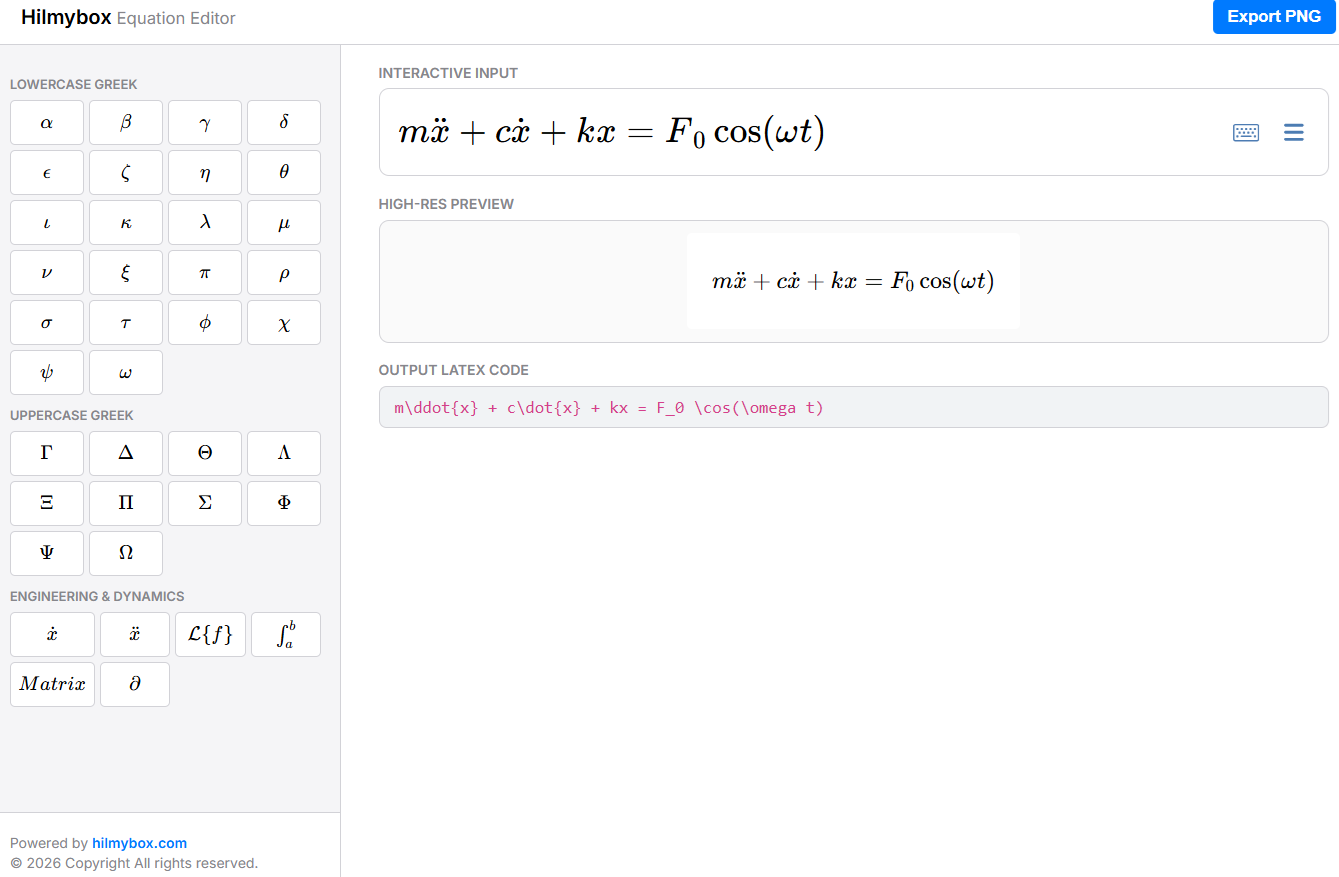
- Deflection Formulas: The code implements specific structural engineering formulas for displacement. For example, in the Cantilever mode, it calculates the vertical position y using:

- Coordinate Transformation: It uses Three.js's
Vector3andMatrixmath to handle the positioning of load arrows and supports relative to the beam's changing length and deflection. - Linear Interpolation: Used to map UI slider values (0–100) to appropriate visual deformation scales.
4. Front-End Environment
The environment is a modern, responsive Single Page Application (SPA) interface.
- Layout: A "Dashboard" style layout using CSS Flexbox. It features a fixed-width sidebar for navigation and a flexible "Viewport" for the 3D canvas.
- UI Components: * Sidebar: Contains navigation buttons that trigger mode switches.
- Heads-Up Display (HUD): An overlay at the top (
#annotation) providing context for the current simulation. - Control Panel: A bottom-aligned panel that dynamically generates
input[type=range]sliders based on the selected simulation's parameters.
- Heads-Up Display (HUD): An overlay at the top (
- Module System: It uses the modern ES Modules (ESM) standard via
<script type="module">and animportmapto manage external dependencies without the need for a complex build tool like Webpack or Vite.