3D CAD Viewer
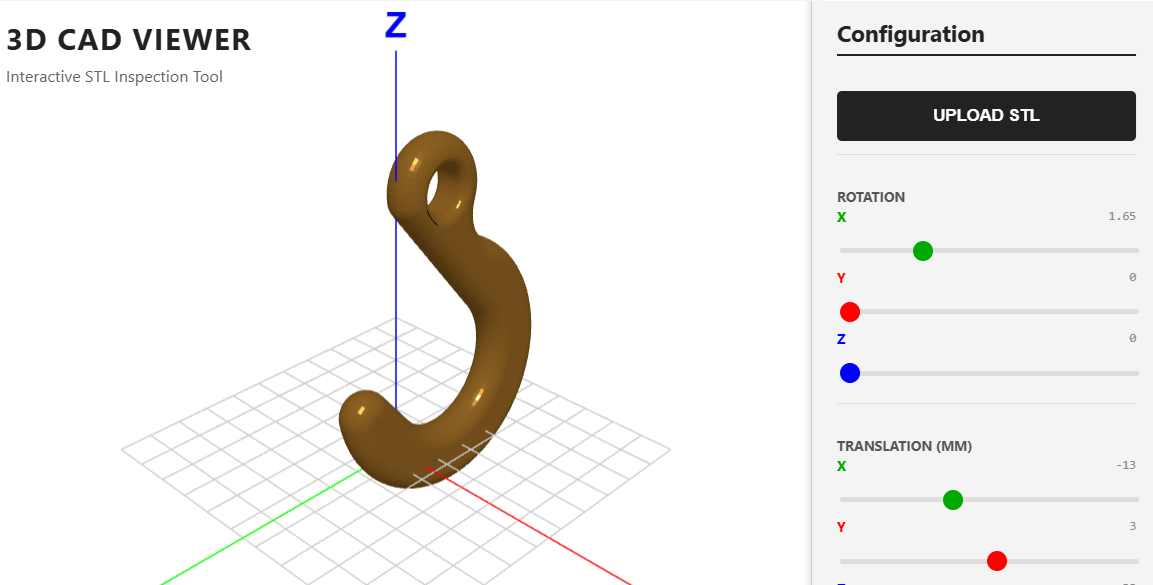
Fast, browser-based tools for STL viewing, model translation, and rotation. No installation required—just upload your STL files and inspect.
Click here to access
1. The Core Engine
The application is powered by Three.js, a high-level cross-browser JavaScript library used to create and display animated 3D computer graphics in a web browser using WebGL.
- Scene Graph Management: The engine organizes objects into a hierarchical tree. A
worldAnchorgroup holds the grid and axes, while a nestedmodelGrouphandles the uploaded geometry. This allows for independent transformation of the model relative to the coordinate system. - Asset Loading: It utilizes the
STLLoaderaddon to parse binary or ASCII STL data intoBufferGeometry. - State Management: The engine tracks the model’s position and rotation through a centralized
updateModelTransformfunction, ensuring that the 3D state is always synchronized with the HTML UI sliders. - Watchdog Integrity: A
MutationObserveracts as a background "heartbeat" to ensure the credit footer remains in the DOM, demonstrating a self-healing UI pattern.
2. Rendering Technology
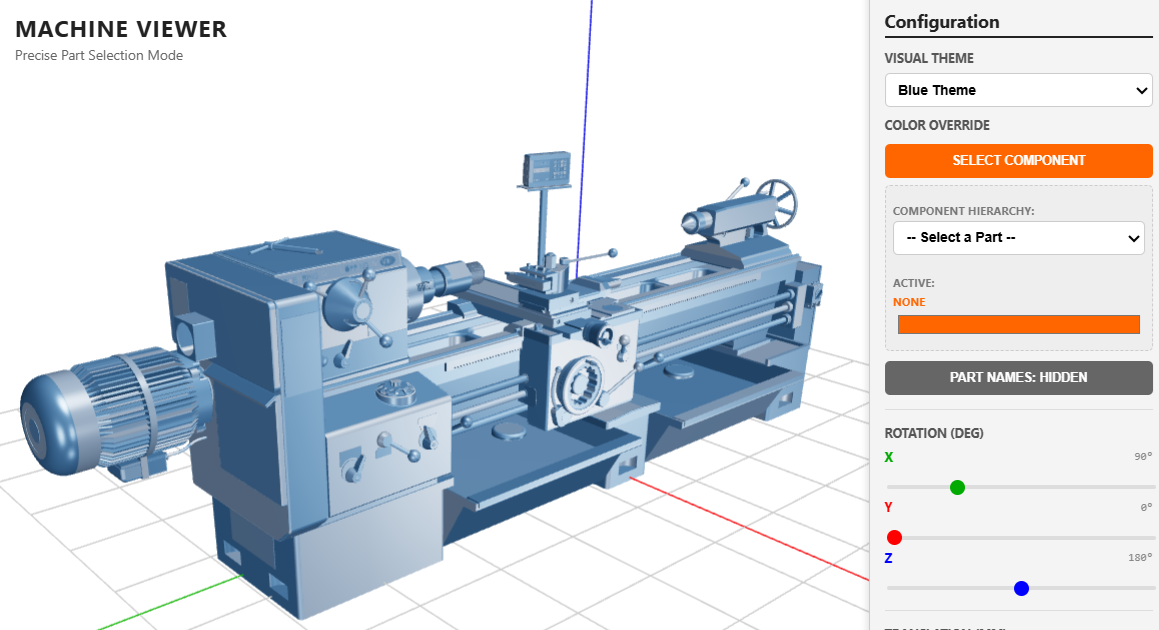
The viewer uses WebGL with Physically Based Rendering (PBR) principles to simulate realistic materials.
- PBR Materials: The model uses
MeshStandardMaterialwith properties likemetalness: 0.6androughness: 0.15. This allows the "Shiny Orange" surface to react realistically to light sources. - Shadow Mapping: The
WebGLRendereris configured withshadowMap.enabled = true, allowing the directional light to cast depth-defining shadows. - Edge Rendering: To highlight architectural details, it utilizes
EdgesGeometry. This overlays a wireframe that only displays edges with an angle threshold (e.g., 25 degrees), preventing the model from appearing like a messy "spaghetti" of triangles. - Dynamic Lighting: A
PointLightis programmatically "parented" to the camera’s position in theanimateloop, acting as a "headlamp" so the user never faces a pitch-black side of the model.
3. Mathematical Tools
The precision of the CAD viewer relies on Linear Algebra and 3D Analytic Geometry.
- Vector Transformations: The application uses THREE.Vector3 for translation and Euler angles for rotation. The relationship between the sliders and the model is governed by:

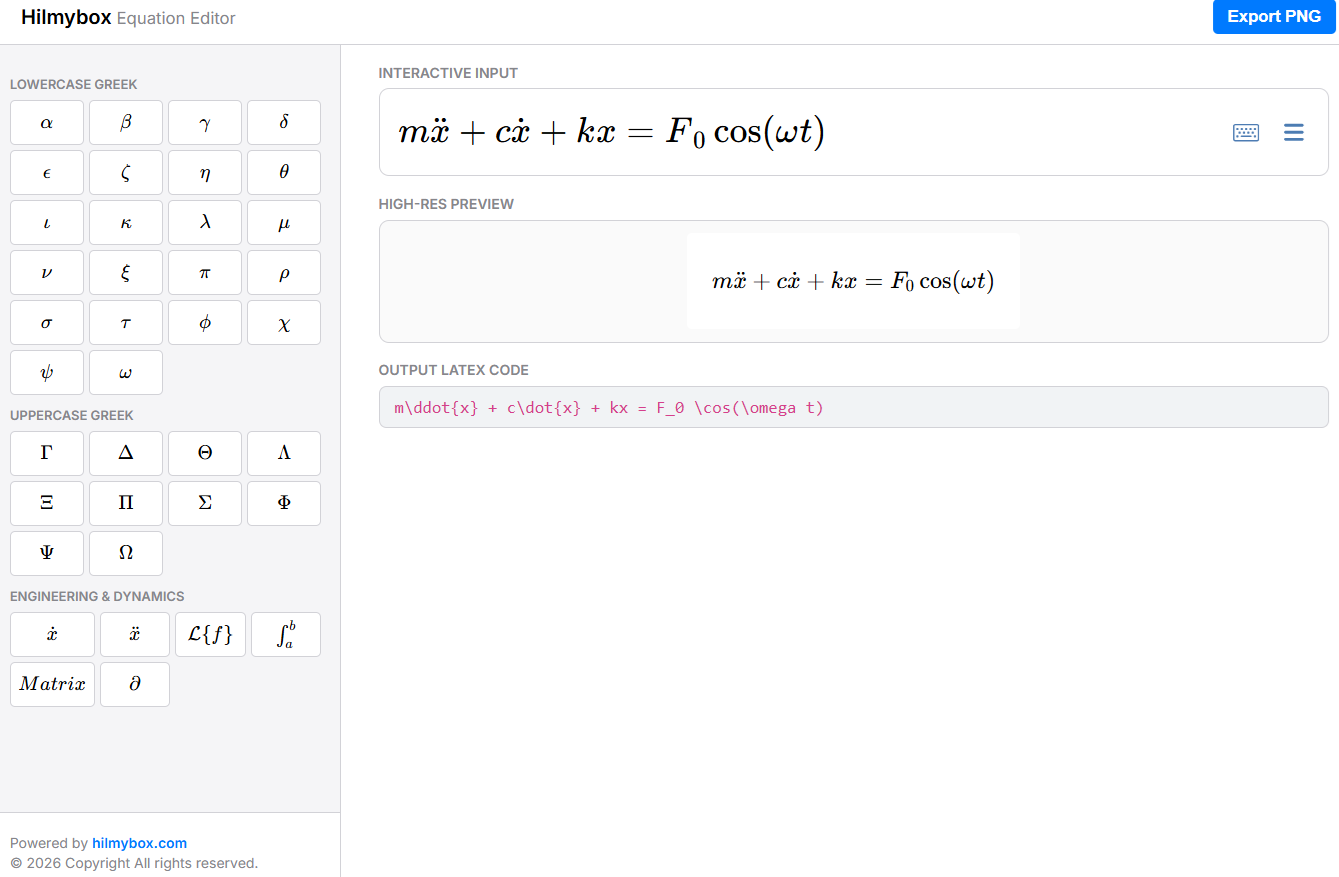
(Where P is the original vertex, S is scale, R is rotation, and T is translation).
- Normalization & Scaling: The
loadSTLfunction calculates the Bounding Box of the uploaded model to determine a uniform scale factor, ensuring that a 1mm bolt and a 1000mm engine block both fit within the viewer's initial frustum. - Euler Integration: The
OrbitControlsuse spherical coordinates and damping math to create smooth, physics-like rotation and zooming when the user drags their mouse.
4. Front-End Environment
The environment is a Modern ES Module (ESM) setup that requires no build tools (like Webpack or Vite).
- Import Maps: It uses a
<script type="importmap">to resolve dependency paths, allowing the use of bare specifiers likeimport * from 'three'. - Dual-Pane Layout: A flexbox-based UI separates the Canvas Viewport (left) from the Configuration Sidebar (right).
- Responsive HUD: The axis labels are rendered as Sprites (2D textures that always face the camera). These are generated dynamically using an off-screen HTML5 Canvas, allowing for high-resolution text within a 3D context.
- Event-Driven UI: Using standard DOM events (
input,change,click), the front-end captures user intent and pipes it into the 3D renderer without blocking the main animation thread.